Scan sheet music, fix it with a tap, then play it back.
Take a photo of your sheet music and Lyriscan turns it into notes you can hear. Piano pieces on two staves, melodies with lyrics and chords, several pages in one song. Recognition runs on your phone, so your music never leaves it.
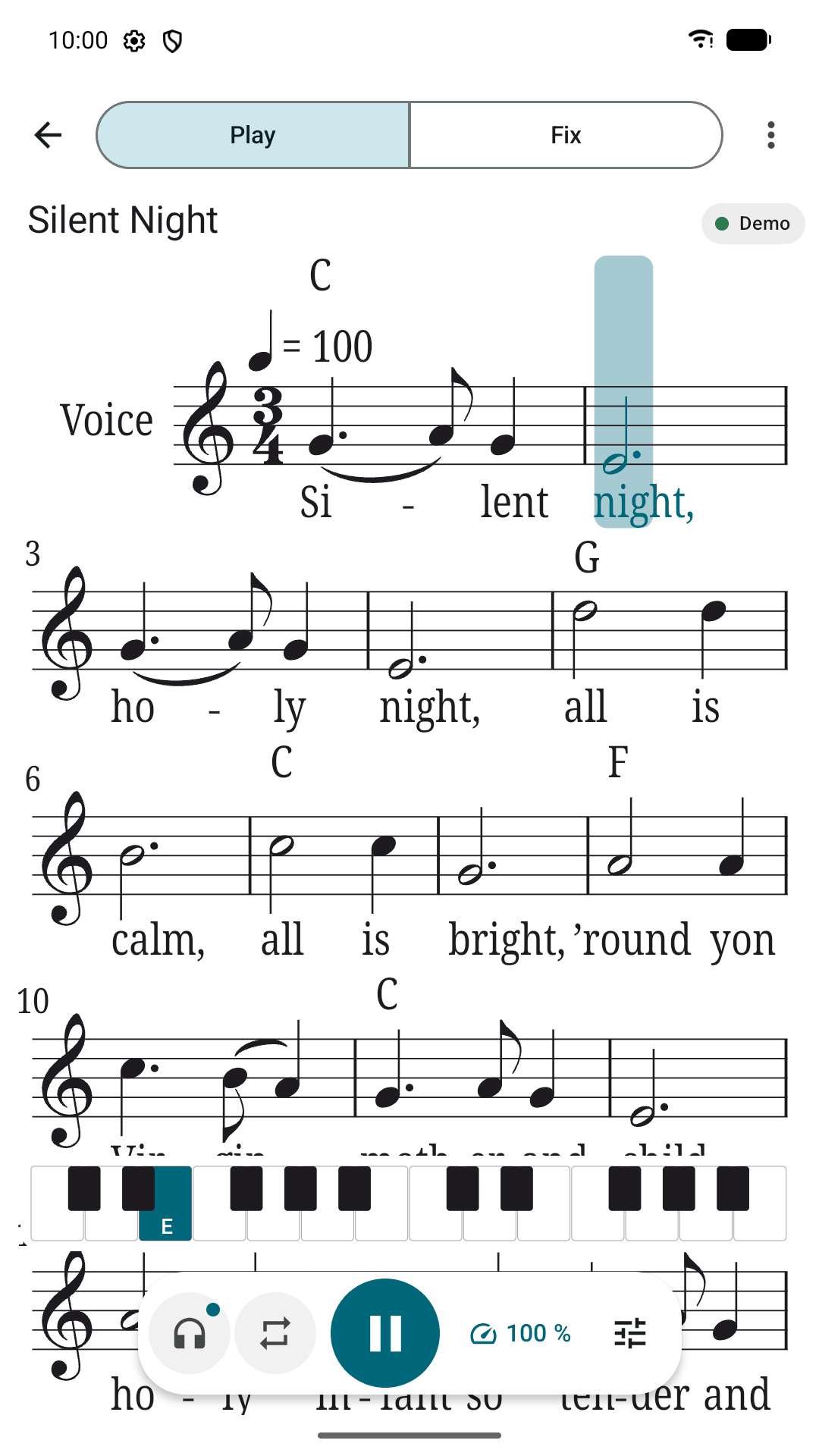
Play back, loop a passage, practise with a MIDI keyboard
From a photo to music you can hear
Lyriscan reads printed sheet music from a photo: notes and rests, clefs, key and time
signatures, ties, dots, tuplets, the second voice and common articulations, and also the
lyrics and chord symbols written with them. Everything is recognised on your device, without
an account and without sending your photos anywhere. See the
privacy policy for details on data handling.
See it in action
A one-minute tour: the photographed pages, playback, fixing a note, lyrics and chords, a
piano piece on two staves and practice with the keyboard.
Scan
Photograph each page with the camera, which helps you hold it straight and well lit, or
pick photos from your gallery. Lyriscan straightens the page, finds the staves and turns
them into notes in the background, page by page, while you can keep using your phone.
Fix with a tap
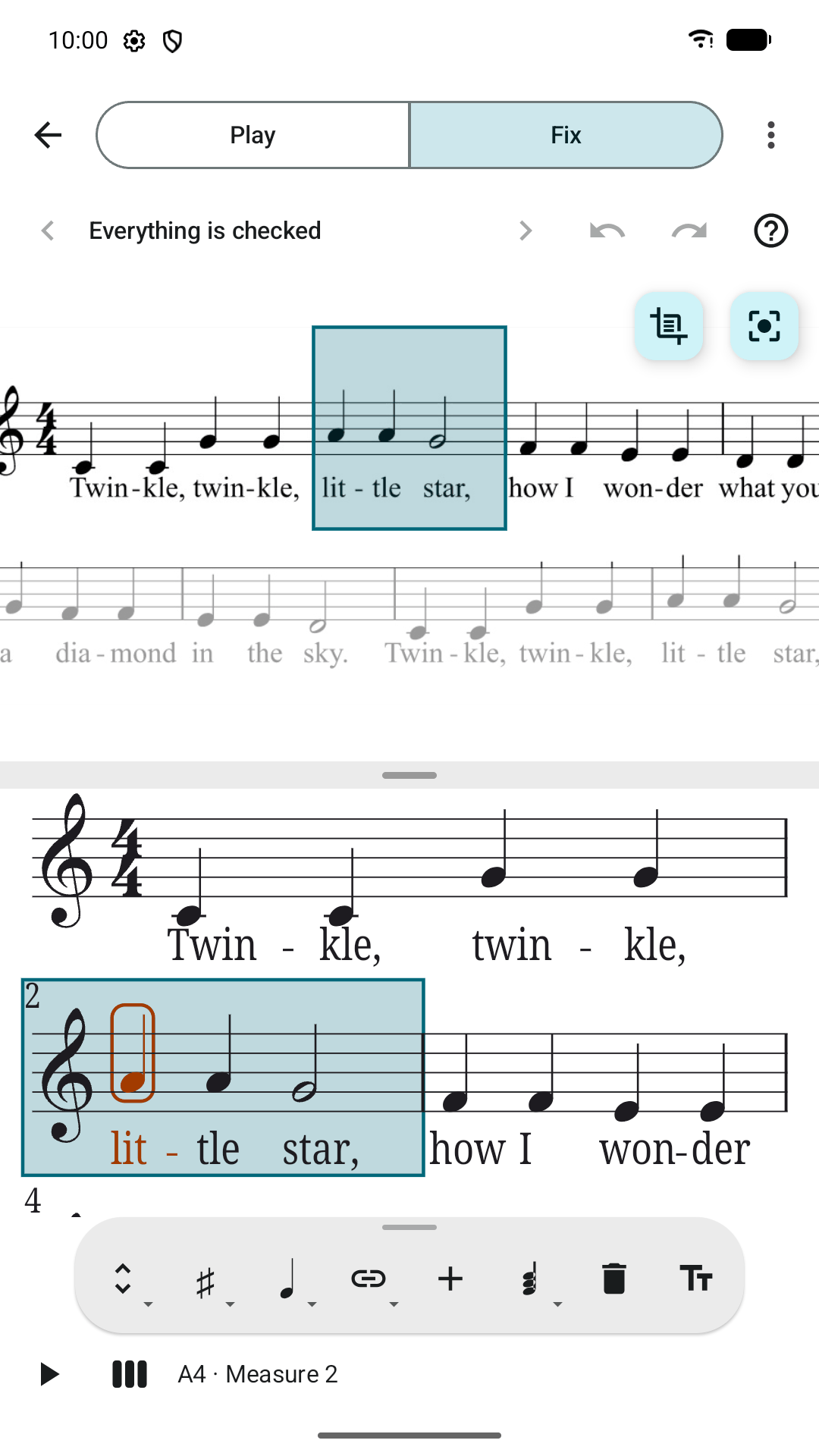
No recognition is perfect, so fixing is part of the app. Bars that do not add up are
marked for checking, and the original photo sits right behind the notes: tap a note to
change its pitch or length, add a missing one, move it to the second voice, or edit the
lyrics. Every step can be undone.
Play and practise
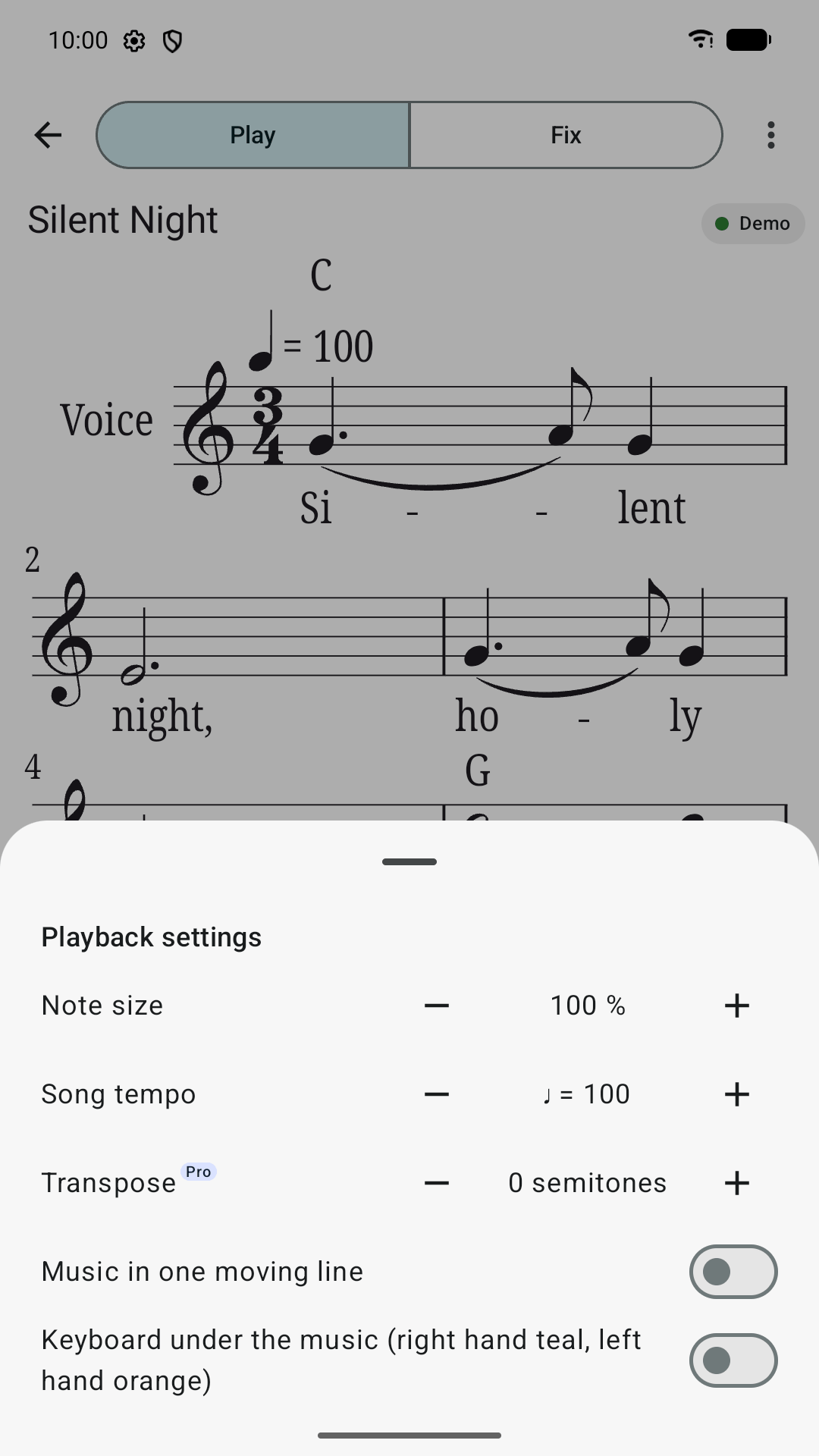
Listen to the whole piece with a real piano sound, follow the moving line across one
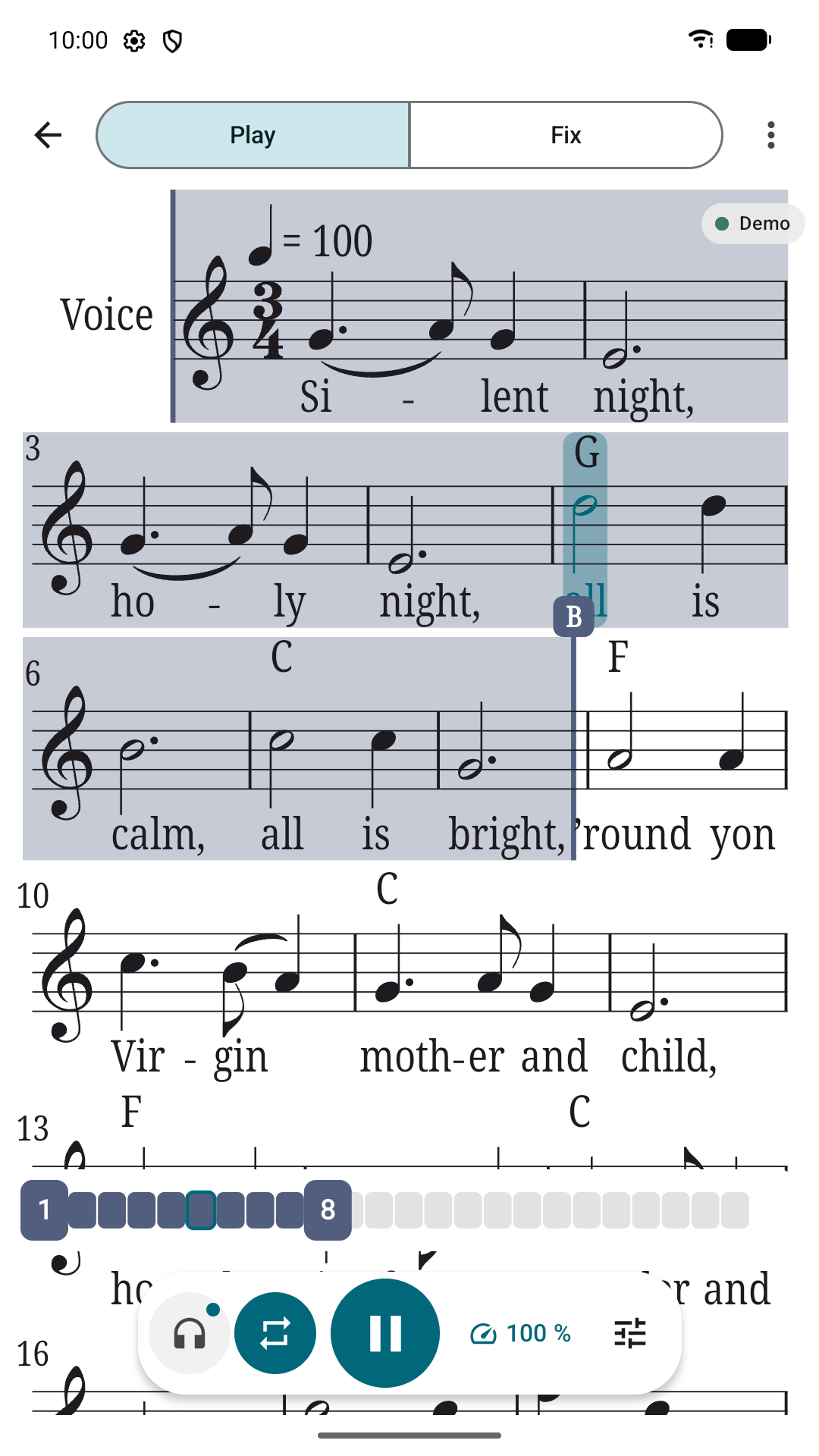
endless staff, slow it down or transpose it, and loop just the bars you are working on.
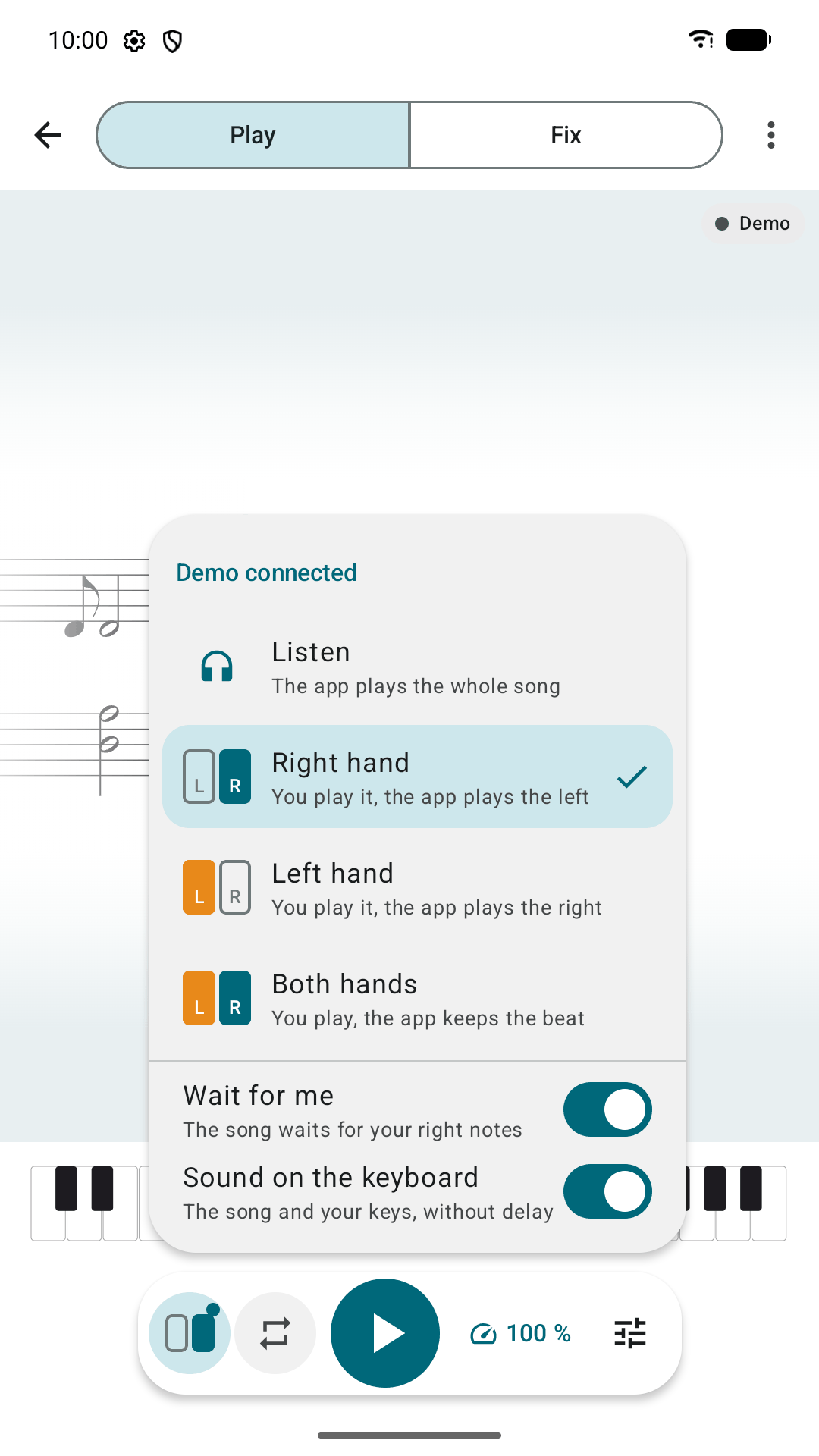
Connect a MIDI keyboard by USB cable or Bluetooth and play along, or let Lyriscan wait for
the right notes before it moves on. Turn the phone on its side and the notes fill the whole screen.
Practise with a MIDI keyboard
Choose what you play: the right hand, the left hand or both, while Lyriscan plays the rest.
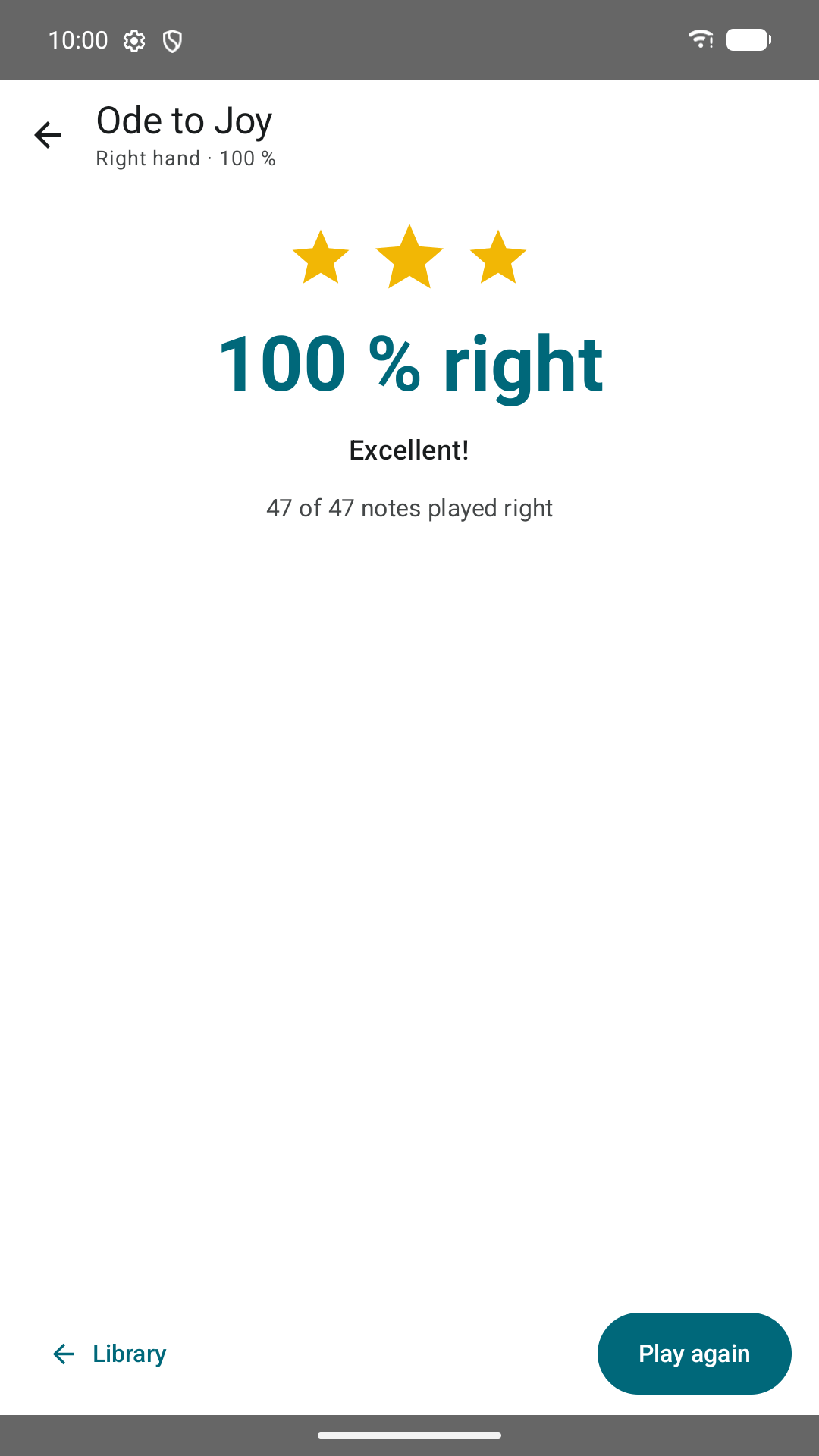
The notes come towards you on one moving line, each correct note lights up, and at the end you
see how much you played right.
Share and keep
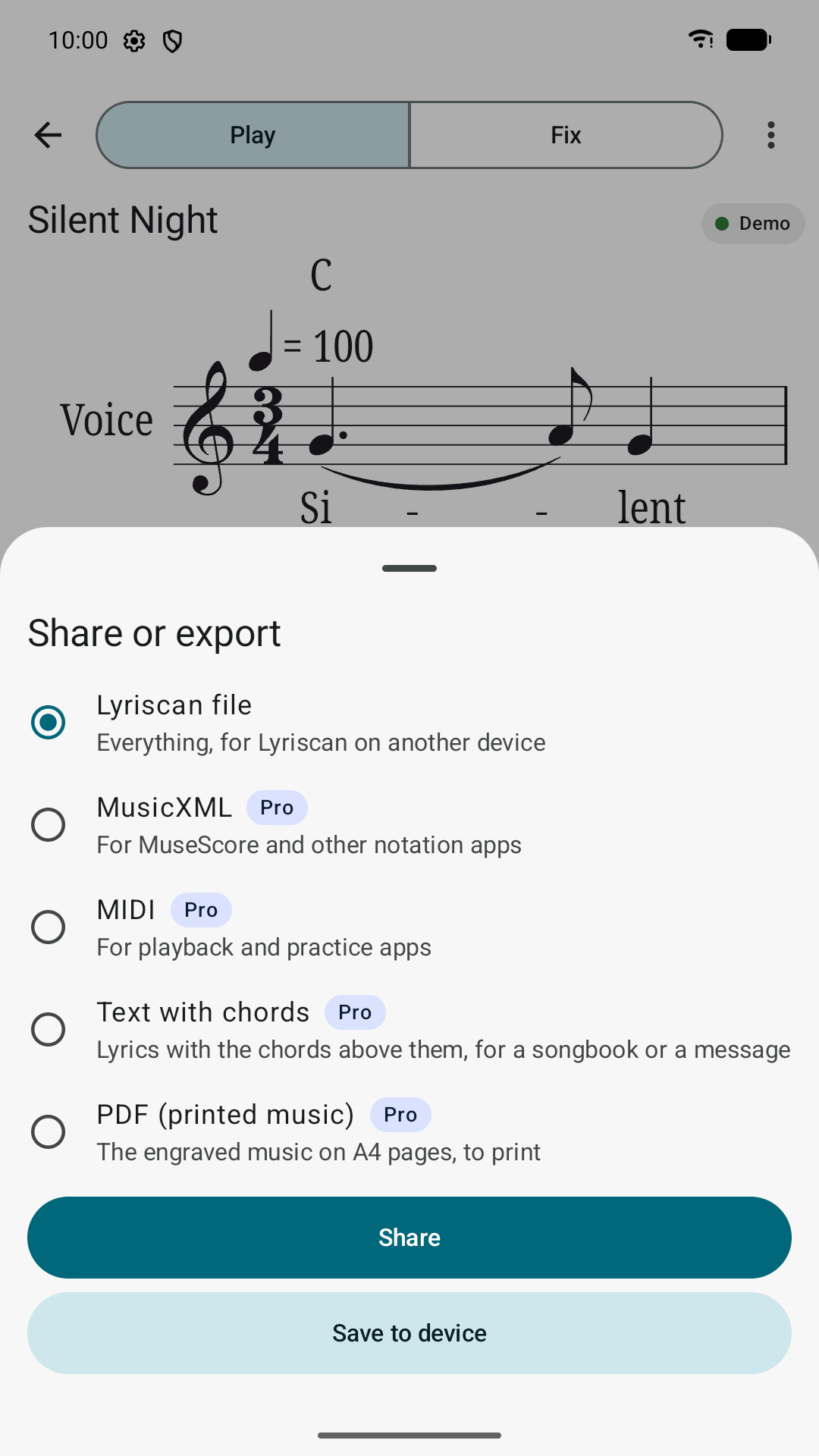
Export a song as MusicXML for notation programs, as MIDI, as a PDF to print, or as plain
lyrics with chords, and back up your whole library to a single file.
Free to start, one-time unlock
Scan your first songs for free, with no ads. Unlock unlimited songs with a single one-time
purchase whenever you are ready. No account, no subscription.